

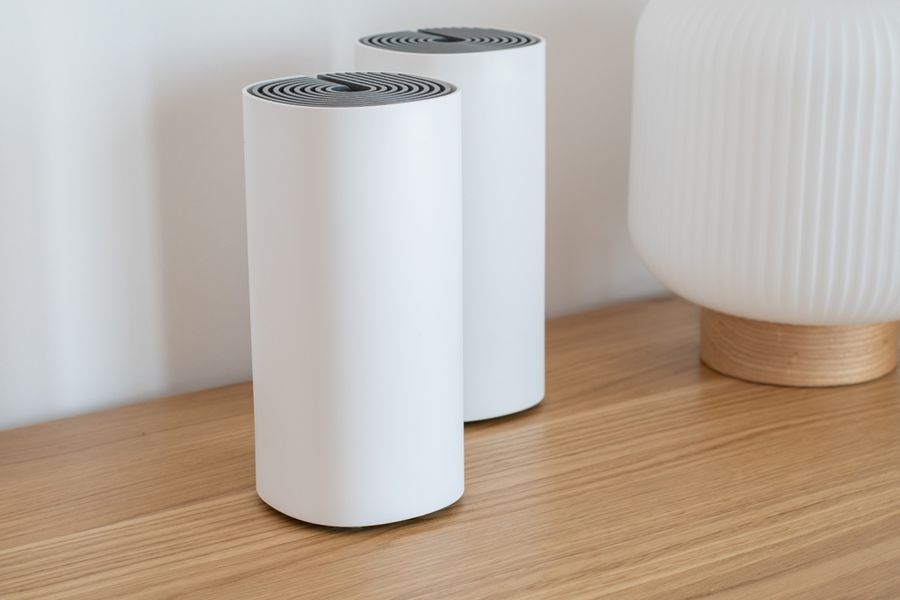
Wi-Fi dead zones often show up in the places where you need a connection most: an upstairs office, a back bedroom, or a finished basement. A mesh system tackles the problem by using multiple coordinated access points instead of relying on one router to cover the entire house. The right system depends on your internet plan, home size, wired-device needs, and preferred smart-home ecosystem. The top options stand out for different kinds of households.
Understand What Mesh Wi-Fi Changes
A traditional router broadcasts from one location, so walls, floors, distance, and appliances can weaken the signal before it reaches the far side of a home. A mesh system places additional nodes in other rooms and manages them as one network, allowing devices to move around the house without changing Wi-Fi networks.
Placement still matters. A satellite positioned inside an existing dead zone may have a weak connection back to the main router. Start with added units partway between the router and the problem area, then test and adjust. If your home has Ethernet wiring, systems that support wired backhaul can give mesh nodes a direct network connection.
Eero 7: A Straightforward Wi-Fi 7 Upgrade
Eero 7 suits households that value simple expansion and app-based management. Each unit is a Wi-Fi 7 mesh router, so owners can start with one and add more where coverage is weak. Eero lists two auto-sensing 2.5 GbE ports, support for more than 120 devices, and up to 2,000 square feet of coverage per router. It also works with earlier eero generations, which can simplify expansion for existing users.
The main compromise is wired connectivity. Two Ethernet ports may be restrictive in a room with several wired devices, potentially requiring a switch. For a mostly wireless household, eero 7 offers a clean path to broader Wi-Fi 7 coverage.
TP-Link Deco BE63: Strong for Multi-Gig Wired Connections
The Deco BE63 is a better fit for homes that want mesh coverage and substantial wired connectivity. It is a tri-band Wi-Fi 7 system, and TP-Link lists four 2.5 Gbps WAN/LAN ports per unit plus support for Ethernet backhaul. That makes it easier to connect desktops, televisions, game consoles, or other network equipment directly to nearby nodes.
The extra ports provide flexibility when tackling dead zones: wireless nodes can serve rooms without Ethernet, while wired nodes can use existing cabling. Setup and routine controls run through the Deco app.
Netgear Orbi 770: Built for Larger Coverage Needs
For larger houses or layouts with distant rooms, the Orbi 770 Series offers broader advertised coverage. Netgear lists tri-band Wi-Fi 7, 2.5-gigabit wired connectivity, optional multi-gig Ethernet backhaul, and up to 5,500 square feet of coverage for a two-pack or 8,000 square feet for a three-pack. Actual coverage can vary with construction, interference, and placement.
Orbi is worth considering when Wi-Fi must stretch across several floors or separated areas. Its wireless and wired backhaul options also leave room to refine the network later.
Nest Wifi Pro: A Natural Fit for Google Home Users
Nest Wifi Pro remains an approachable choice for households built around Google Home. It uses tri-band Wi-Fi 6E rather than Wi-Fi 7 and includes a 6 GHz band for compatible devices. Google lists up to 2,200 square feet of coverage per router, while the Google Home app handles setup, speed tests, device monitoring, and other routine controls. The units also support Matter and include a Thread border router.
Its biggest limitation for buyers planning a newer network is the older Wi-Fi generation. Nest Wifi Pro also cannot mesh with previous Google Wifi or Nest Wifi routers. Even so, the integration may be more valuable than Wi-Fi 7 for households prioritizing simple Google Home management.
Choose Nodes and Placement Before Chasing Maximum Speed
The fastest specification on the box will not automatically eliminate dead zones. Consider where the signal fails and what stands between that area and the main router. One additional node may solve a localized problem, while a long or multi-story home may need several.
Keep nodes in reasonably open locations rather than hiding them in cabinets or behind large electronics. Test the rooms that previously struggled and move units as needed. If your chosen system supports Ethernet backhaul and cabling is available, a wired connection can give the mesh a more direct path between nodes.
Build the Mesh Around Your Home
The best system is the one that solves your coverage problem without adding features you will never use. Eero 7 emphasizes straightforward expansion, Deco BE63 combines Wi-Fi 7 with plentiful multi-gig Ethernet, Orbi 770 targets larger layouts, and Nest Wifi Pro integrates neatly with Google Home.
Before buying, map your dead zones, count the wired devices you need to connect, and decide where nodes can realistically sit. Strong hardware helps, but thoughtful placement is what turns a collection of mesh units into useful whole-home coverage.